- DATE:
- AUTHOR:
- The BigTime Team
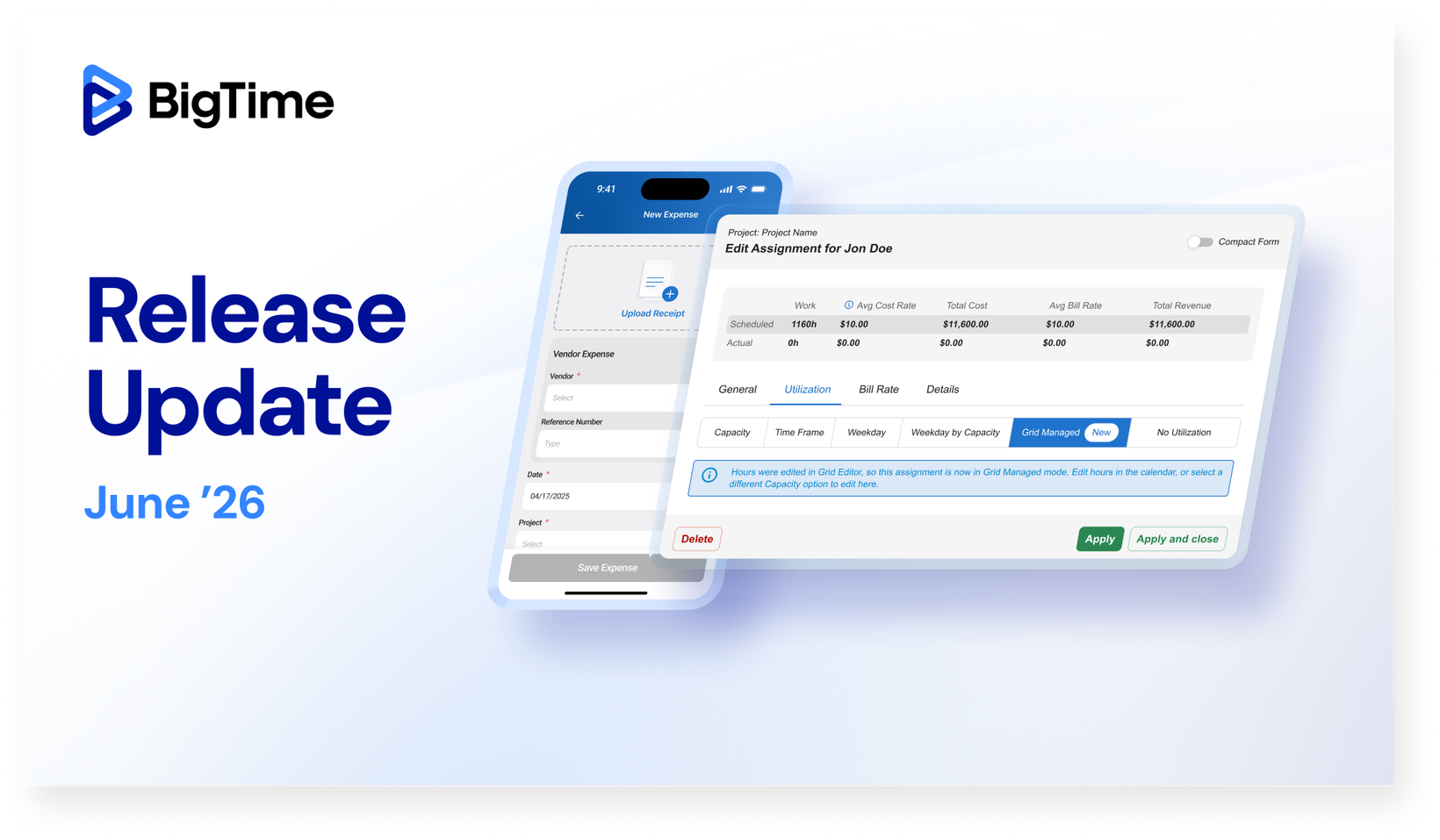
BigTime Release Update: June '26
The June release continues the rollout of the BigTime Platform Evolution, the new left-hand navigation, unified staff list, and unified staff profile are reaching more firms, with enablement continuing in waves. This release introduces the Grid Editor for BigTime Resource Management, an inline, spreadsheet-style way to edit allocations across daily, weekly, and monthly views without switching screens. Firms on the new experience also get a set of Timer improvements, including copying a timer, editing it while it runs, and seeing unsaved changes at a glance. And in the BigTime Mobile app, you can now log vendor expenses on iOS and Android, capturing project costs the moment they happen.
 What's New -
BigTime Platform Evolution - Next Wave
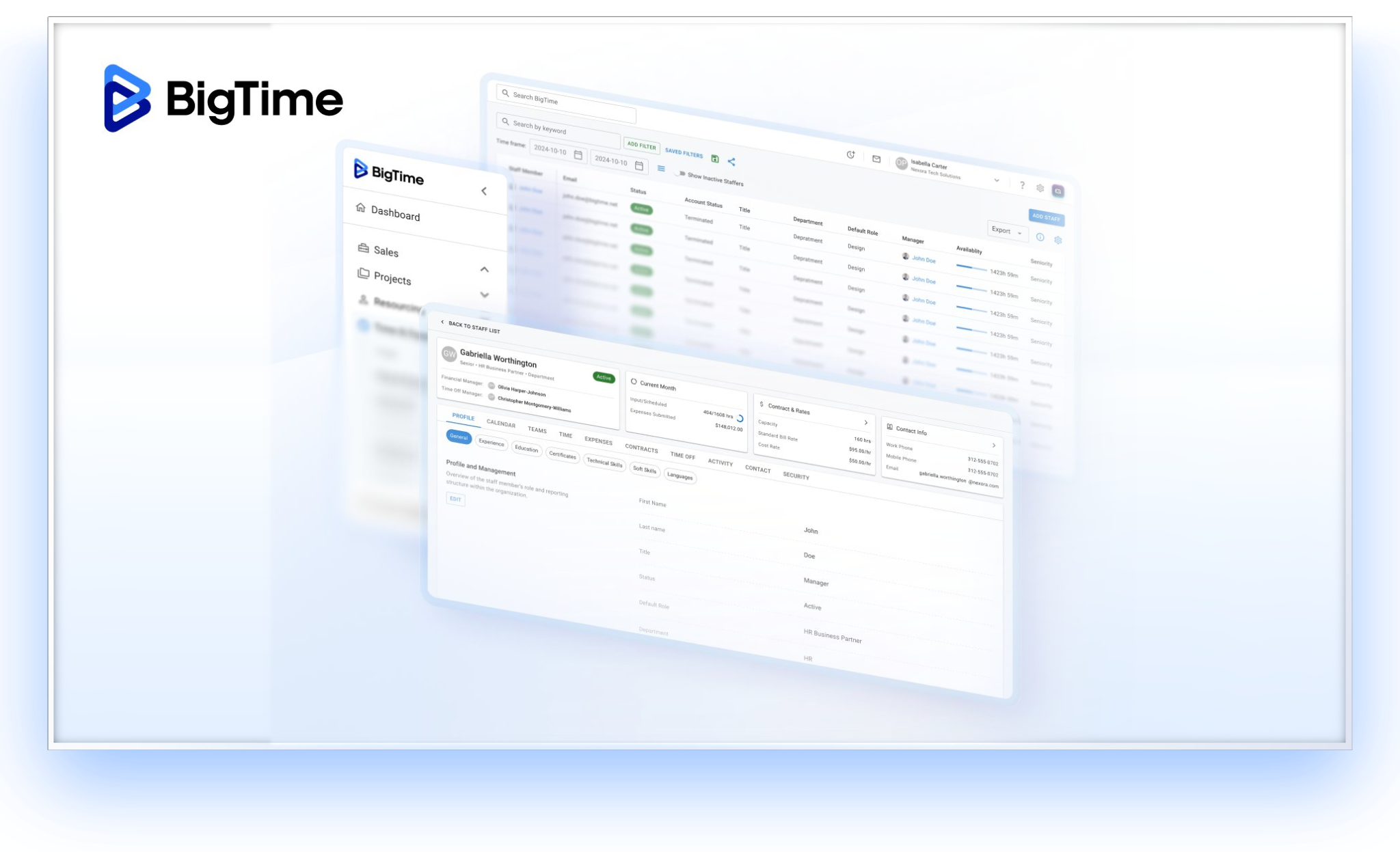
The BigTime Platform Evolution is reaching more firms in this release. The experience introduced in the first wave is now being enabled for additional firms as part of the next wave of rollouts, giving more teams a single place to find what they need and a layout designed to scale as they grow. For firms newly enabled in this wave, the experience includes:
New Left-Hand Navigation - move between solutions and find what you need faster, with a consistent layout across BigTime
Unified Staff List - see your people in one consolidated view, giving managers a single place to work with their team
Unified Staff Profile - give admins & managers a single source of truth for each team member's details
 These enhancements roll out gradually, with firms enabled in waves. You'll be notified ahead of activation so your teams are prepared.
What's not changing
Your data, reports, integrations, permissions, and access levels stay exactly as they are. Every feature you use today will continue to work the same way.
For step-by-step guidance on each enhancement, visit our Knowledgebase to review Early Access: Platform Updates & Improvements.
Questions? Reach out to your Customer Success Manager or BigTime Support.
Grid Editor for BigTime Resource Management
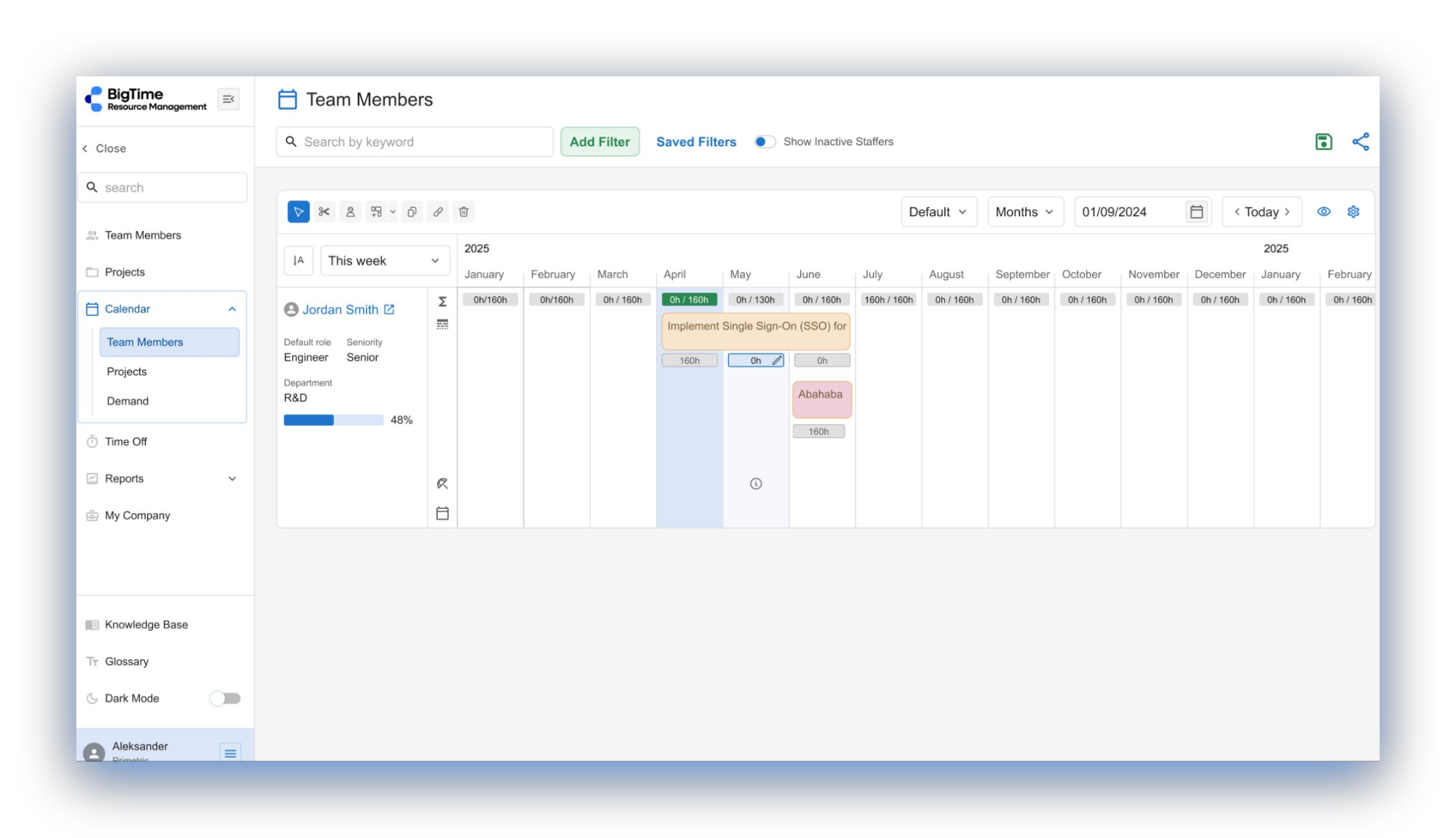
Available now for BigTime Resource Management customers.
Resource Managers can now manage allocations directly in the grid, without switching screens. The Grid Editor brings an inline, spreadsheet-style experience to Resource Management, with direct entry and editing of allocation data in cells across daily, weekly, and monthly views. The result is a faster, more familiar way to plan capacity and keep allocations accurate.
Learn more here.
Mobile
Vendor Expenses (iOS & Android)

You can now log vendor expenses directly from the BigTime Mobile app on both iOS and Android. Capture vendors cost the moment they happen in the field, and they sync to the web automatically, so your project spend stays complete no matter where the work gets done. Vendor records come from your connected accounting system, keeping the list consistent with the web, and every vendor expense is clearly marked with a vendor icon and name in the expense summary.
 Improvements-
Timers for Web
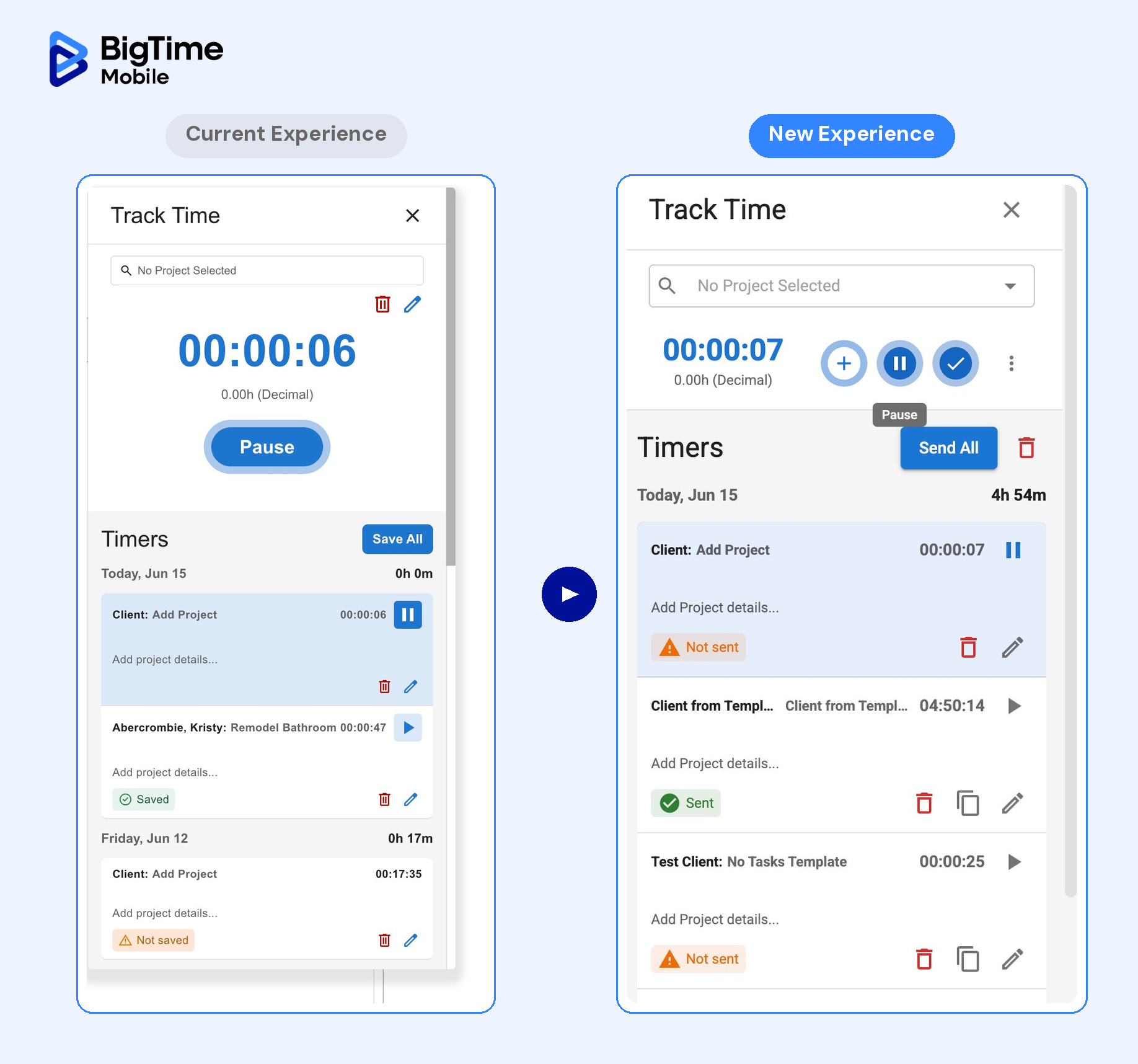
This release brings a set of improvements to the Timer experience, making it faster and clearer to track your time as you work. These timer improvements are available to firms on the new experience. As we continue moving firms over, these improvements will become available automatically, no action needed on your part. For firms still on the current experience, timer improvements are expected to be available on July 8.
Copy a timer - Duplicate an existing timer to start a similar entry in one step, instead of rebuilding it from scratch.
Edit a timer while it runs - Change the project or job on a running timer without stopping or restarting it.
Keep your running timer in view - Your active timer stays pinned as you move around the app, so you always know what's tracking.
Clear all timers at once - Remove every timer in a single action when you want to start fresh.
See unsaved changes at a glance - A new indicator flags timers that haven't been saved yet, so nothing slips by.
A refreshed Active Timer - A cleaner design and smoother workflow for starting, switching, and saving your time.
Clearer labels throughout - Updated buttons, badges, and confirmation labels make timer actions easier to follow.
 What's Coming -
Mobile | Tax Rates for iOS
Coming soon, you’ll be able to capture tax details right when you log an expense in the BigTime mobile app for iOS, so expenses that include tax are recorded and calculated accurately from the start. Your team no longer has to track tax separately or reconcile it later, which means cleaner expense data and fewer corrections down the line. Once the feature is available, a System Admin will first need to enable tax rates within the expense configuration settings.
Redesigned Invoicing Experience
We're in the early stages of building a new invoicing experience, designed to give your team a faster, clearer way to manage billing from start to finish. Below is an early look at where we're headed:
A modern invoice workspace. Find any invoice quickly with search, filters, and sorting, then open it to see details and totals at a glance.
Simpler invoice creation. Create invoices for manual and time-and-materials billing, with billing details carried over from your projects.
Flexible editing. Update invoice details, totals, and line items directly in one place.
Easy sharing and tracking. Export invoices to Excel, CSV, or PDF, print a copy, and mark invoices as paid as you go.
We'll share more in the coming months as the work evolves.